Lead capture
- WhenA form, chat or ad lead arrives
- ThenCapture it in one place
- ThenRemove duplicates
- ThenScore and route it to the right person
- YouDecide which leads get a call first
Illustrative flow
Workflows / CRM / Operations
Our AI automation agency finds the manual steps slowing your team down and connects the tools you already use. With practical workflow automation services, leads, emails, CRM updates, and routine tasks keep moving without constant follow-up.

(02)The workflow07 steps
Follow a single quote request from the website form through to completion. Our workflow automation services connect each step, so customer details, CRM updates, notifications, and task assignments move automatically. Your team only steps in when a decision or approval actually needs a person.
Example run Quote request #0142
New enquiry
NameSam, office manager
Emailsam@example.com
Message“We need 40 branded mugs by the 14th. Can you quote?”
Send enquiryParsed request
“We need 40 branded mugs by the 14th. Can you quote?”
Lead record
Deal · MUG-11
40 × branded mug
Draft reply
Hi Sam, thanks for getting in touch. Your quote for 40 branded mugs, ready by the 14th, is attached.
quote-0142.pdf#sales
Quote ready: 40 branded mugs, due the 14th. Approve to send.
ApproveEdit
Approved by Sales
Quote sent
The example run, step by step: a website form arrives; AI reads it as a high-priority quote request for 40 mugs due in nine days; the lead is matched and scored; a deal is created in the CRM; a quote email is drafted from a template; sales approve it in one click in team chat; the quote is sent and a follow-up is booked. About three minutes, no copy-paste.
(03)Before / after
Most teams aren't slow. Their tools just don't talk to each other. Here is the same work, before and after it runs as one flow.
Replaces: Disconnected tools
Forms, inbox, CRM, calendar and chat pass work to each other.
Replaces: Repeated emails
Replies drafted from your own templates, sent once approved.
Replaces: Lost leads
Every lead gets an owner, a stage and a next step.
Replaces: Manual copying
Data is entered once, at the source, and moves in seconds.
Replaces: Spreadsheets
Ten enquiries a week or ten thousand: the same flow.
(04)What we automate08 recipes
Every automation starts with a trigger, then handles the actions that follow. As a business process automation company, we build practical automations around the tasks businesses ask us to solve most often.
Illustrative flow
Illustrative flow
Illustrative flow
Illustrative flow
Illustrative flow
Illustrative flow
Illustrative flow
Illustrative flow
(05)How we build itHumans in the loop
Good automation removes repetitive decisions without taking people out of the moments where judgment matters. As an AI automation agency, we build systems around the way your team already works, then keep people in control wherever approval, context, or customer interaction is important.
We sit with the people doing the work and identify the manual steps, handoffs, repeated updates, and copy-paste tasks slowing things down.
Human gate You decide what should be automated first.
We connect the tools your business already relies on, including forms, inboxes, CRM platforms, calendars, accounting systems, and team chat.
Human gate You approve access one tool at a time.
We build the workflows and add AI where fixed rules are not enough. This can include reading enquiries, drafting responses, routing tasks, and updating records automatically.
Human gate You approve anything a customer will see.
Every run is logged so you can see what happened. If something fails, a person is alerted, and the workflow can be adjusted as your business changes.
Human gate You can review every run and pause any automation.
Then we review the system again as your processes, tools, and workload change.

(06)Selected work
Our AI workflow automation company builds systems for enquiries, stock updates, and CRM follow-ups, keeping routine work moving while your team handles decisions.
All work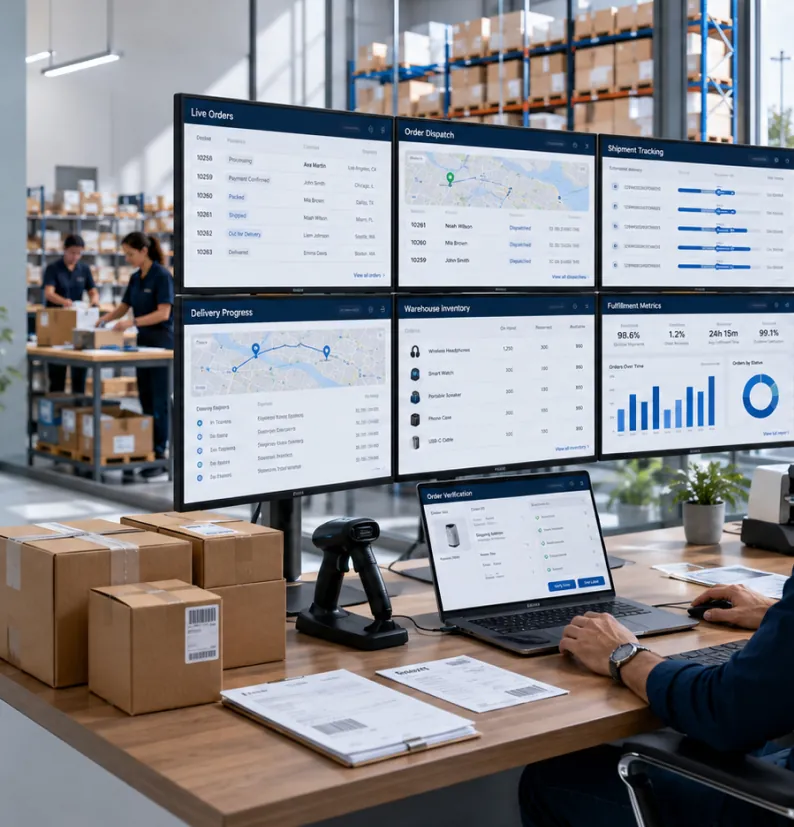 Sample project
Website enquiries read, priced and turned into CRM deals and draft quotes, with sales approving in one click.
 Sample project
A new storefront, a product model built for seasonal drops, and stock and email that update on their own.
(07)Start here
Tell us which task your team repeats most. Our AI automation agency will show you what can be automated, how the workflow would work, and where human input should remain.