Retail, food & drink
Order again
- The job
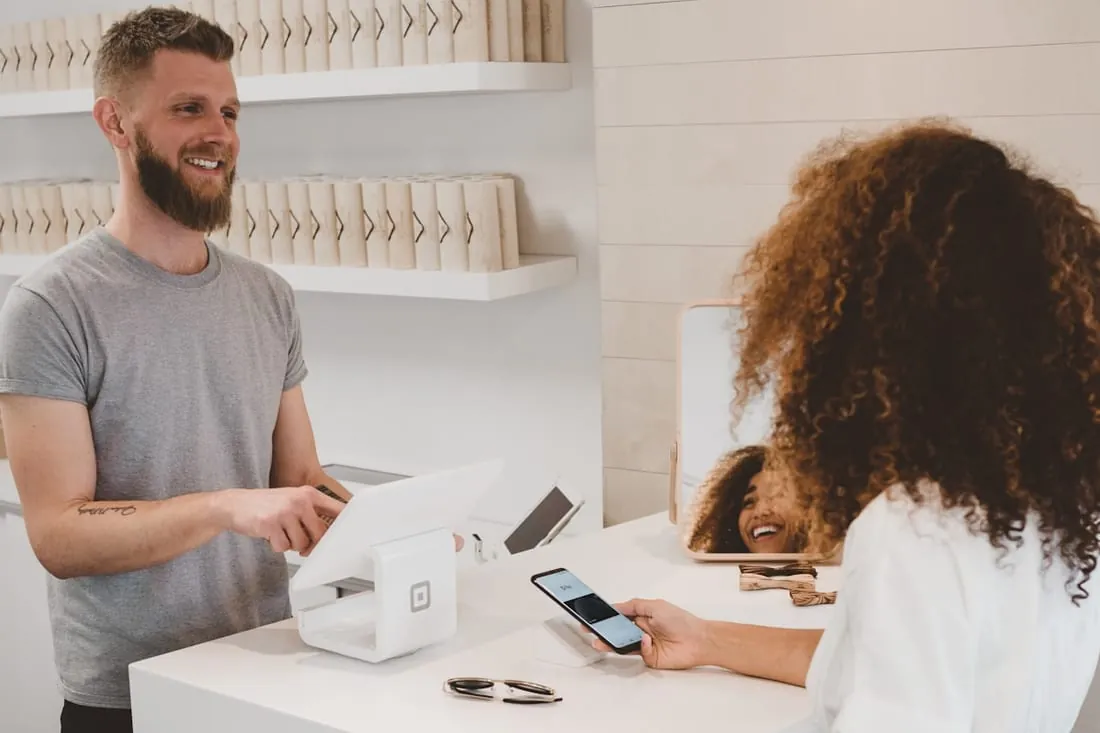
- Reorder a favourite without searching for it.
- Tap target
- 3 taps
- Connected to
- Store + stock
- Payments
- Loyalty
Mobile app development
As a mobile app development company, we build iOS and Android apps around what your customers actually need, connected to bookings, orders, payments, APIs and the systems your business already uses.
(02)One job
People keep apps that make a specific task easier. Our custom mobile app development services focus on that job first, then shape the UX around the shortest, clearest path to getting it done.
Retail, food & drink
Clinics, studios, salons
Field teams & deliveries
Members & loyalty
(03)The right build
There is no single best way to build an app. The right choice depends on what the app needs to do, how much device access it requires, your budget, and how quickly you want to launch. We help clients weigh native vs cross-platform development before choosing the build.
01Does the app need phone hardware such as the camera, Bluetooth, background location, or offline access?
02Should customers be able to download it from the App Store and Google Play?
03Would one codebase for iOS and Android suit your budget and release plan?
Answer the questions to see where we would usually start.
iOS + Android, built separately
Best when the app depends heavily on device features, offline use, complex animation, or maximum platform control. Swift and Kotlin development are often used here.
Two codebases usually mean more development and maintenance work.
One codebase, both stores
A strong fit for many business apps, including booking, ordering, account, and field-service tools. React Native development and Flutter development can make iOS and Android delivery more efficient.
Some advanced device features may still need native modules.
Installable from the browser
Best for internal tools, portals, prototypes, and simpler apps where App Store or Google Play distribution is not essential.
Browser-based apps have less access to some phone hardware and platform features.
A useful starting point, not a final verdict. We confirm the approach during the first workshop.
(04)Sketch to store
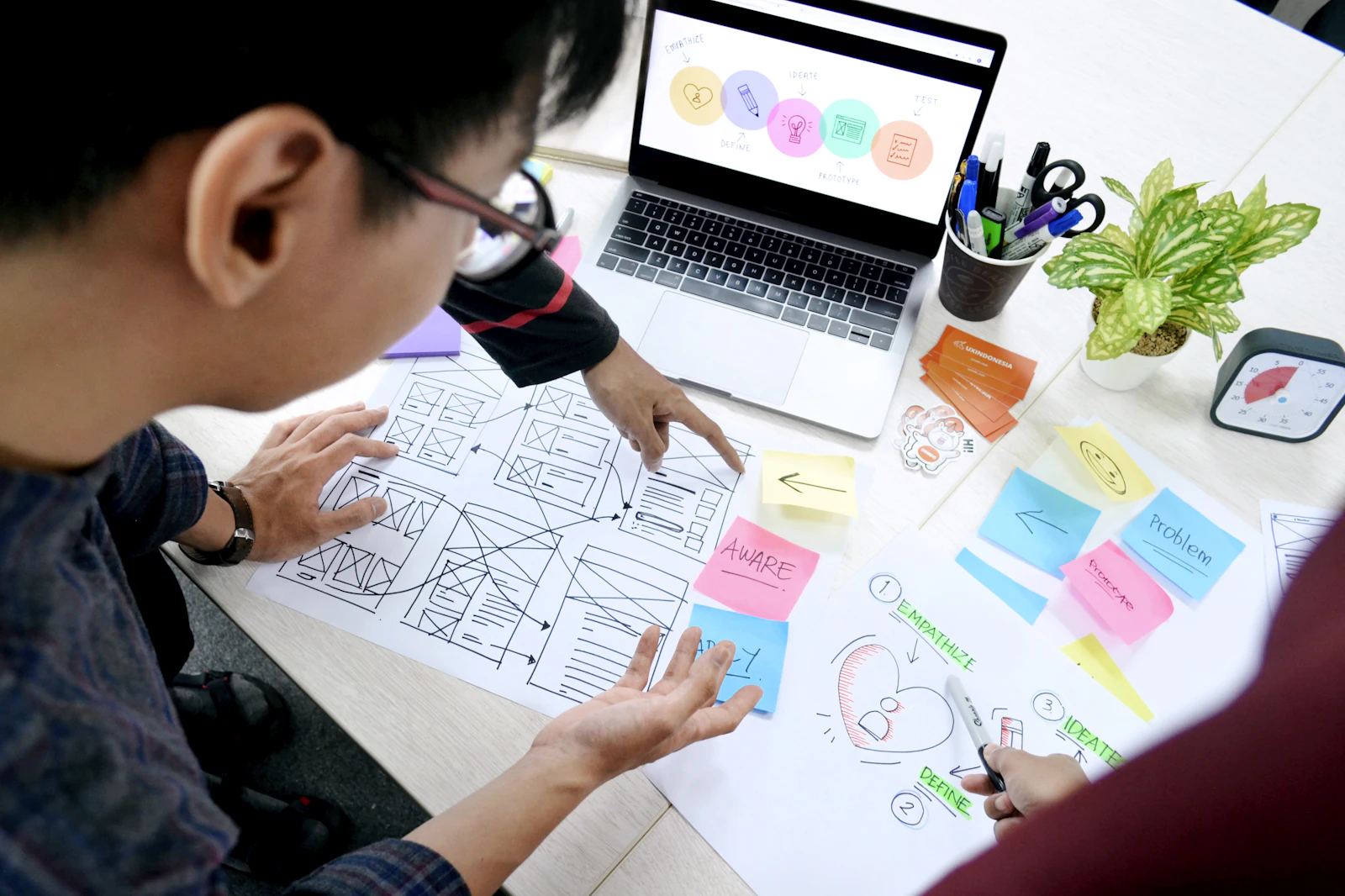
We move from early UX prototyping to a working app in clear stages, so you can test progress on a real device well before release. Each stage gives you something tangible to review, refine, and approve.
Who opens the app, what are they trying to do, and where do they usually get stuck? We map the user journey, define the core flow, and remove anything that does not support the main task.
You getJourney map + project scope
Clickable screens go onto your phone within weeks, so you can test the flow before development gets expensive. Our UX prototyping process helps uncover confusing steps early, while they are still easy to change.
You getClickable prototype
We create the UX/UI Design system for iOS and Android, covering layout, type, colour, components and key interaction states. Everything is designed to feel consistent across screens and ready for development.
You getUI kit + final screens
The app and its backend are built in short sprints, including accounts, API integration, in-app payments and push notifications. Our mobile app backend development services can also connect the app with your CRM and existing business systems.
You getTest builds every sprint
We test the app across older and newer devices, slower connections, larger text settings and screen readers. Crashes, layout problems and accessibility issues are fixed before customers get their hands on it.
You getDevice + accessibility checks
We prepare the App Store and Google Play listings, screenshots, privacy details and review submissions. Once approved, the app can roll out in stages so we can watch performance before opening it to everyone.
You getLive in both stores
(05)Under the screen
A good app depends on what sits behind it. We can build the backend or connect to the systems you already use, so your app, website and team work from the same data. Our mobile app backend development services cover the APIs, CRM connections and core infrastructure that keep everything in sync.
(06)After launch
Phones change, operating systems update, and customer expectations move with them. Our app maintenance and updates continue after launch, using real usage data to guide each release instead of adding features for the sake of it.
(07)Selected work
A mobile app rarely works alone. The strongest builds connect the app with the website, booking system, CRM, payments, APIs and the automation behind them, so customers get one joined-up experience.
All work Sample project
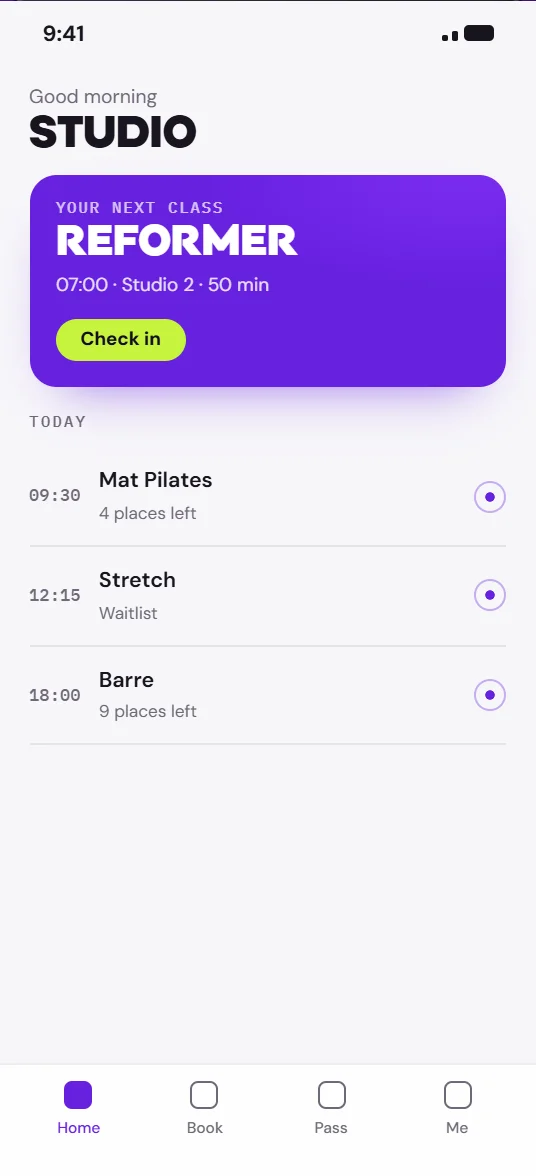
One iOS and Android app for class booking, memberships and reminders, connected to the studios' existing schedule and payments.
 Sample project
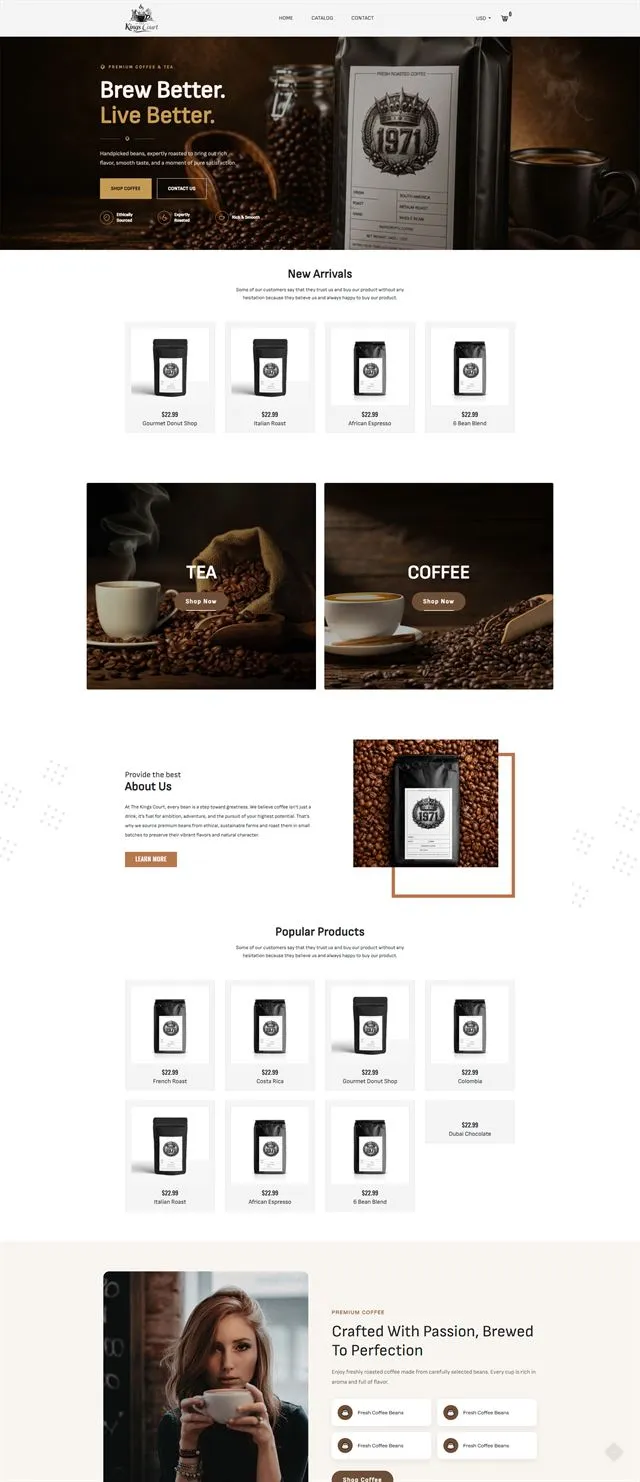
An editorial storefront with subscriptions, brew guides and product storytelling, designed and built as one.
(08)Start an app
Tell us the one job your customers or team need to get done on their phone. As a mobile app development company, we'll help shape the right build, choose the right platform, and connect it to the systems it needs to work with.