 Sample project
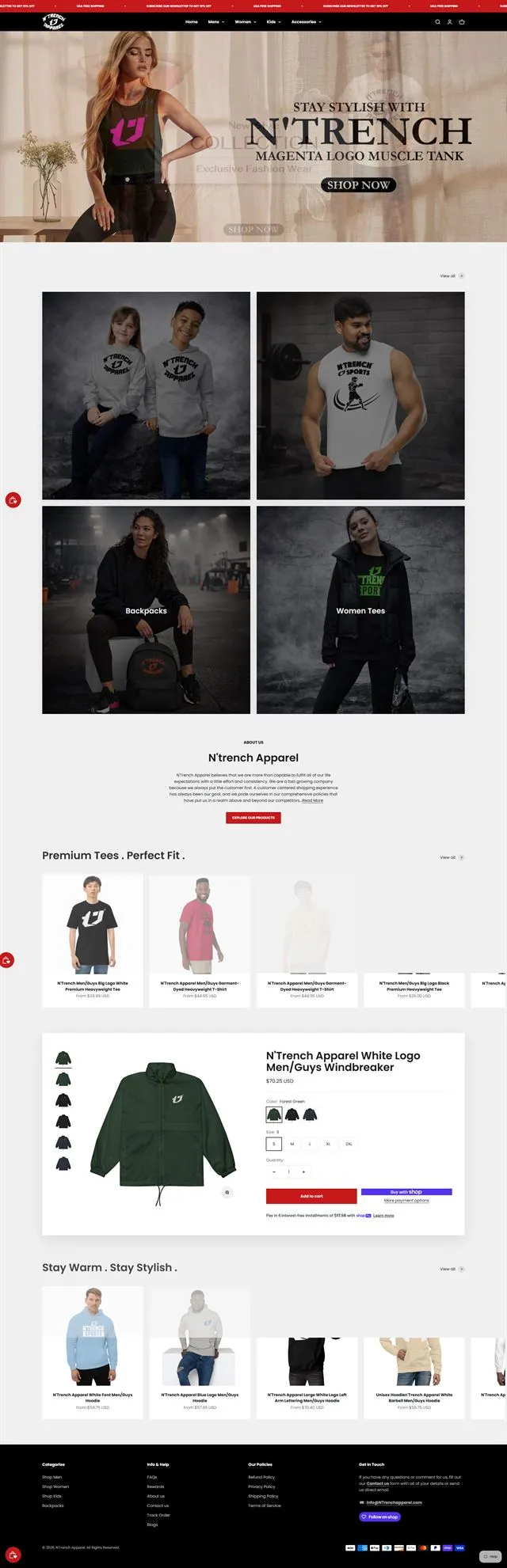
An apparel store that runs itself between drops
A new storefront, a product model built for seasonal drops, and stock and email that update on their own.
- Websites
- Design
- Automation
Digital architecture
GET /products200
Websites, web apps and stores, engineered to load fast, sell clearly and plug into the rest of your business.
(02)Construction sequence08 layers
Every site we ship is assembled in the same order, so nothing is decorated before it is structurally sound. Watch one come together.
(03)Idea to infrastructure03 drawings
One page, three drawings. The sketch decides what matters, the interface makes it clear, and the infrastructure keeps it standing when traffic arrives.
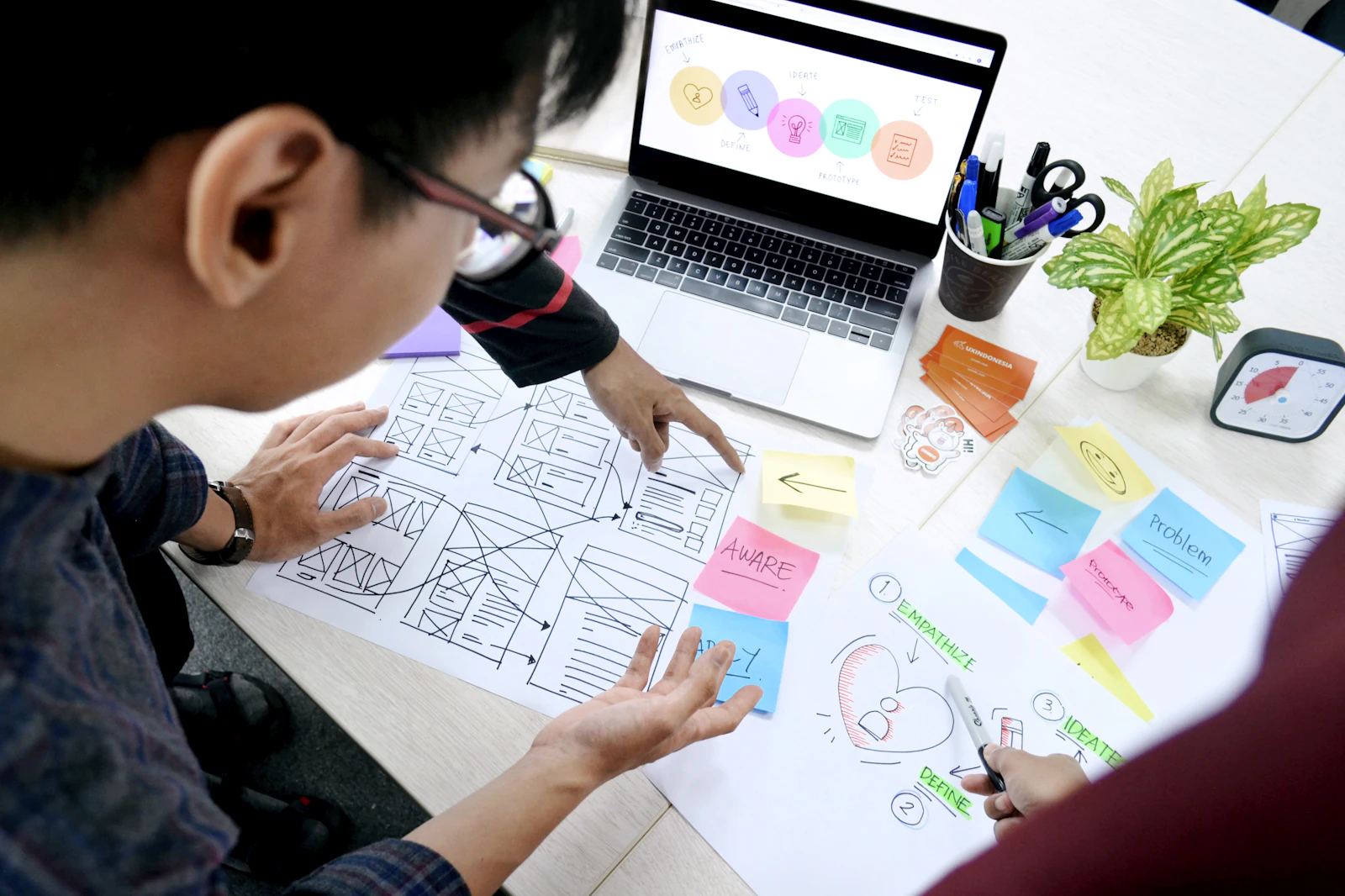
Goals, audiences and the one action each page exists for. We sketch before we style, because moving a box costs nothing.
The sketch becomes a design system: type, colour, components and every state a button can be in.
Hosting, CMS, APIs and the services around them, chosen for the job and wired to scale when the business does.
(04)The build team10 disciplines
Pick a discipline to see what it does. Each one is a person on the project, not a line item passed to a subcontractor.
One step removed, one less reason to leave.
We start with the people using it: what they came for, what stops them, and the shortest route to yes.
Four states per component, one set of tokens.
Interfaces built from a component system, so page forty looks as considered as page one.
Component in, accessible markup out.
Clean, accessible code in React, Next.js or whatever fits the job. Quick on a phone, sharp on a large screen.
order.createdTriggerinvoice.renderPDF to customerstock.syncInventory updatedemail.receiptSentreport.nightlyScheduled 03:00The logic behind the page: accounts, orders, bookings, and the jobs that quietly run at 3am.
Subtotal $36
Stores that make buying easy: clear products, a quick checkout and stock that stays in sync.
Your team edits pages, products and posts without calling a developer. WordPress, headless or custom.
/api/orders/1042
200 OK · 84 ms
{
  "id": 1042,
  "status": "paid",
  "items": 2,
  "fulfilment": "packed",
  "crm": "synced"
}Your website talks to the rest of the business: payments, CRM, ERP, email and AI.
Speed is designed in, not bolted on: lean code, optimised images and a budget for every page.
Designed for thumbs first, then scaled up. Every breakpoint checked on real devices, not assumed.
Launch is the start. Updates, backups, security patches and small improvements, every month.
(05)PerformanceCore Web Vitals
We set a performance budget before the first page is designed, then build to it. The panel shows the targets we aim for, measured against Google’s public thresholds.
How soon the main content appearsGood ≤ 2.5 s
How quickly the page responds to a tapGood ≤ 200 ms
How much the layout jumps while loadingGood ≤ 0.1
Thresholds are Google’s published “good” limits for Core Web Vitals. The scores and timings are a sample, not a client result.
(06)Integrations07 systems
A website should not be an island. Ours sit in the middle of your business and pass the work along: orders, leads, stock, receipts and reports.
Select a system to see what flows.
(07)Selected workWebsites + stores
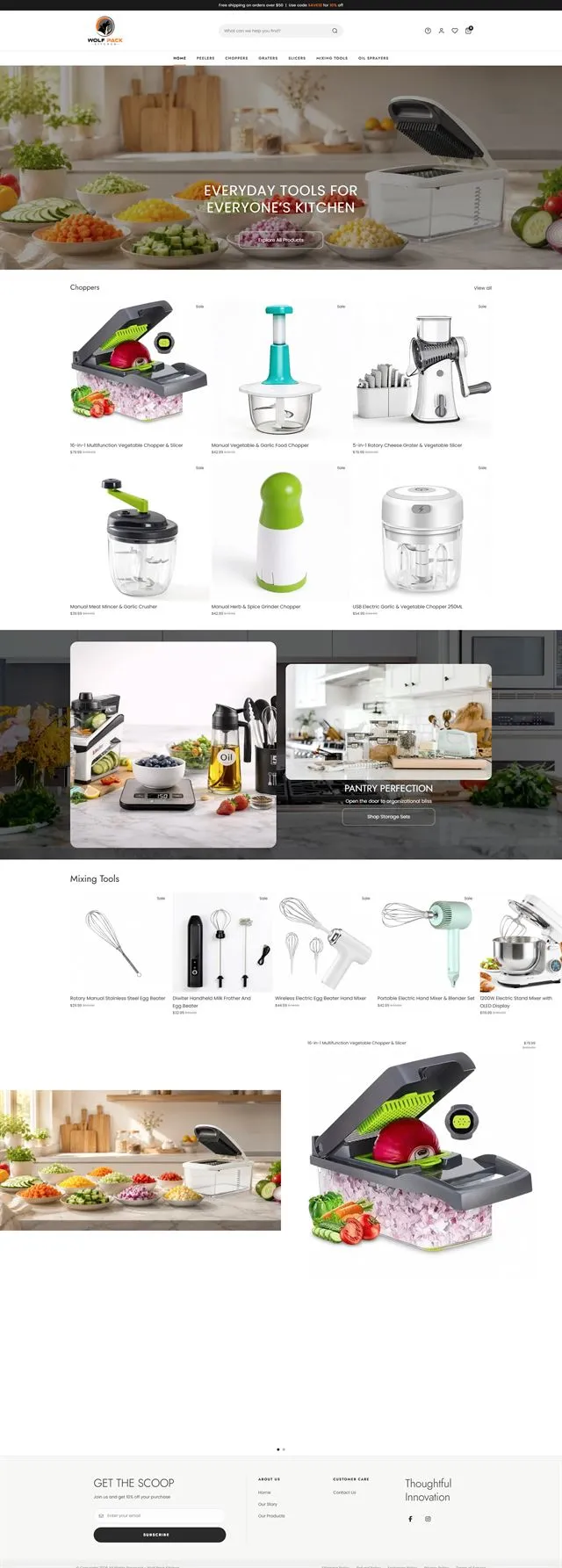
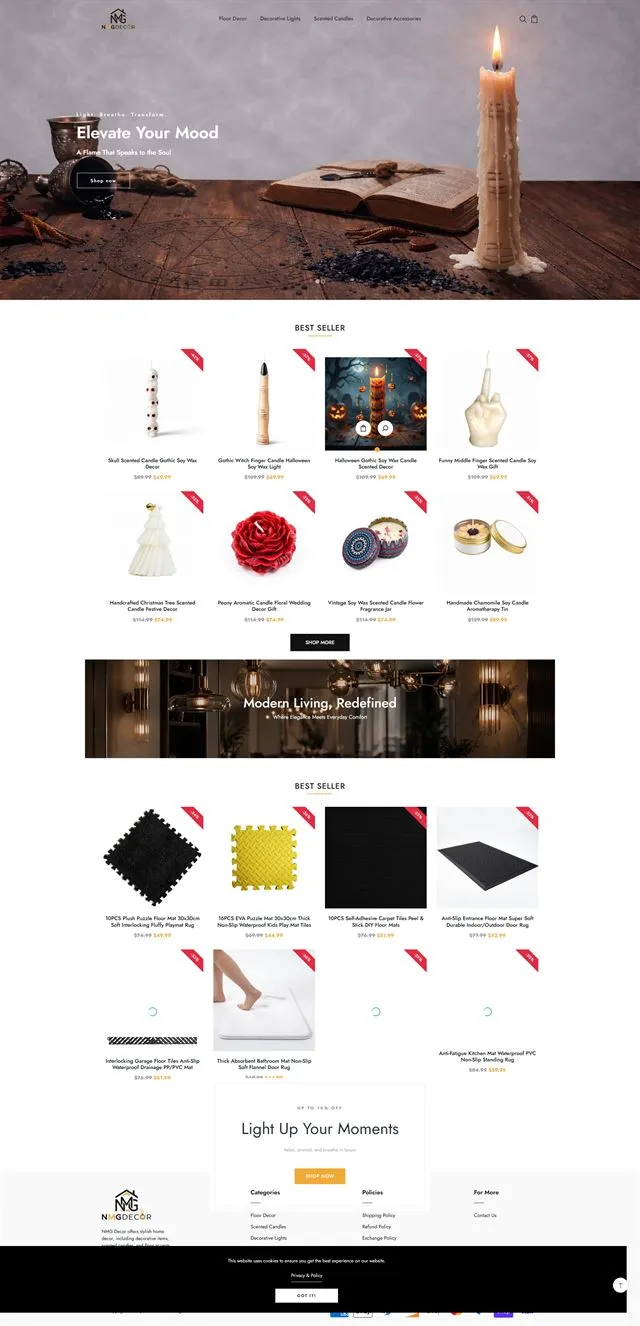
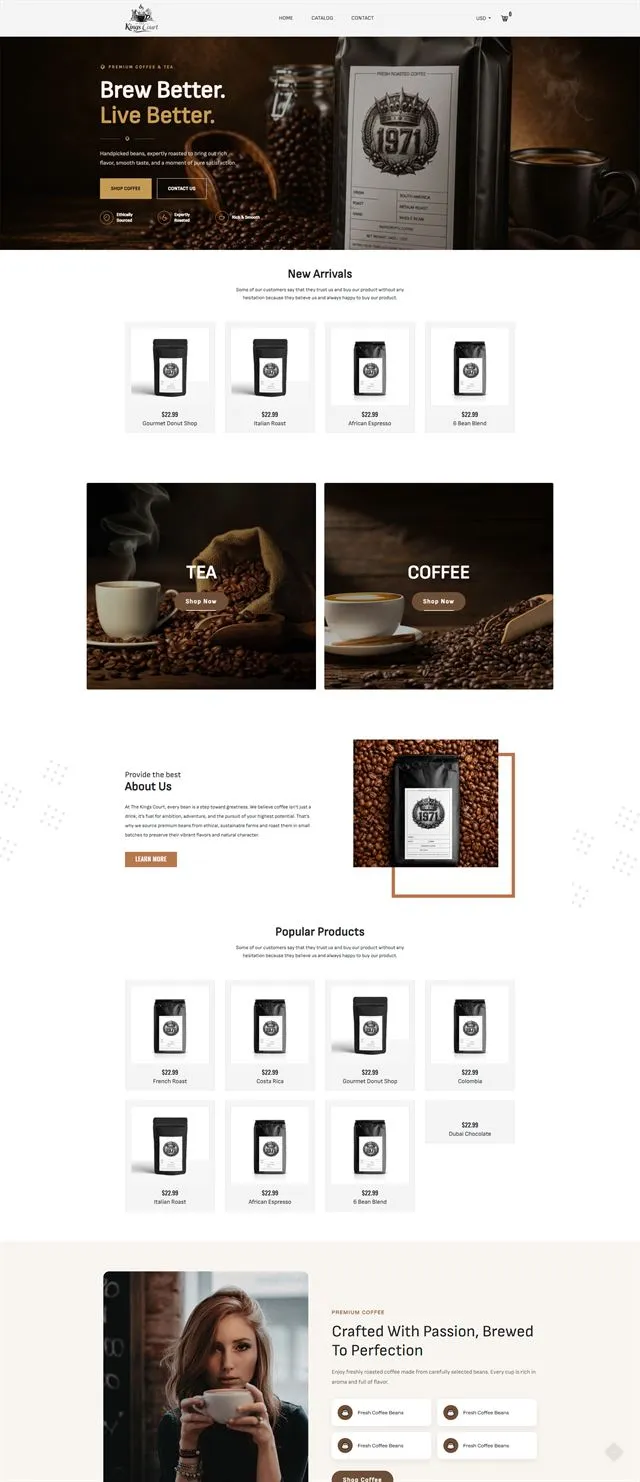
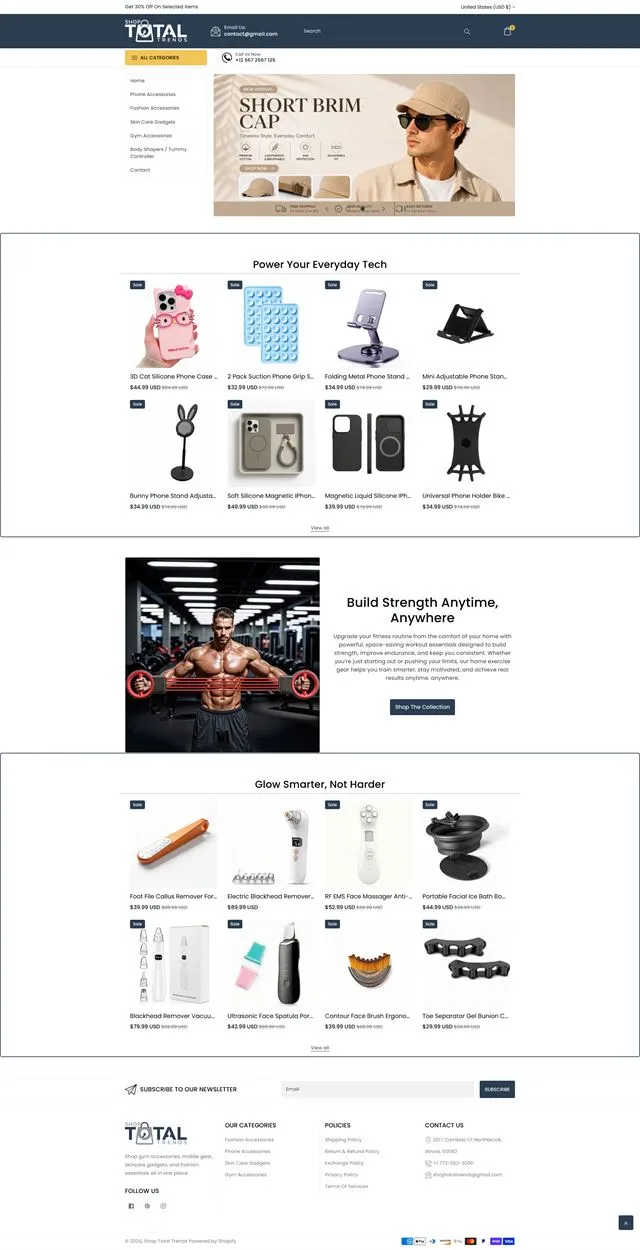
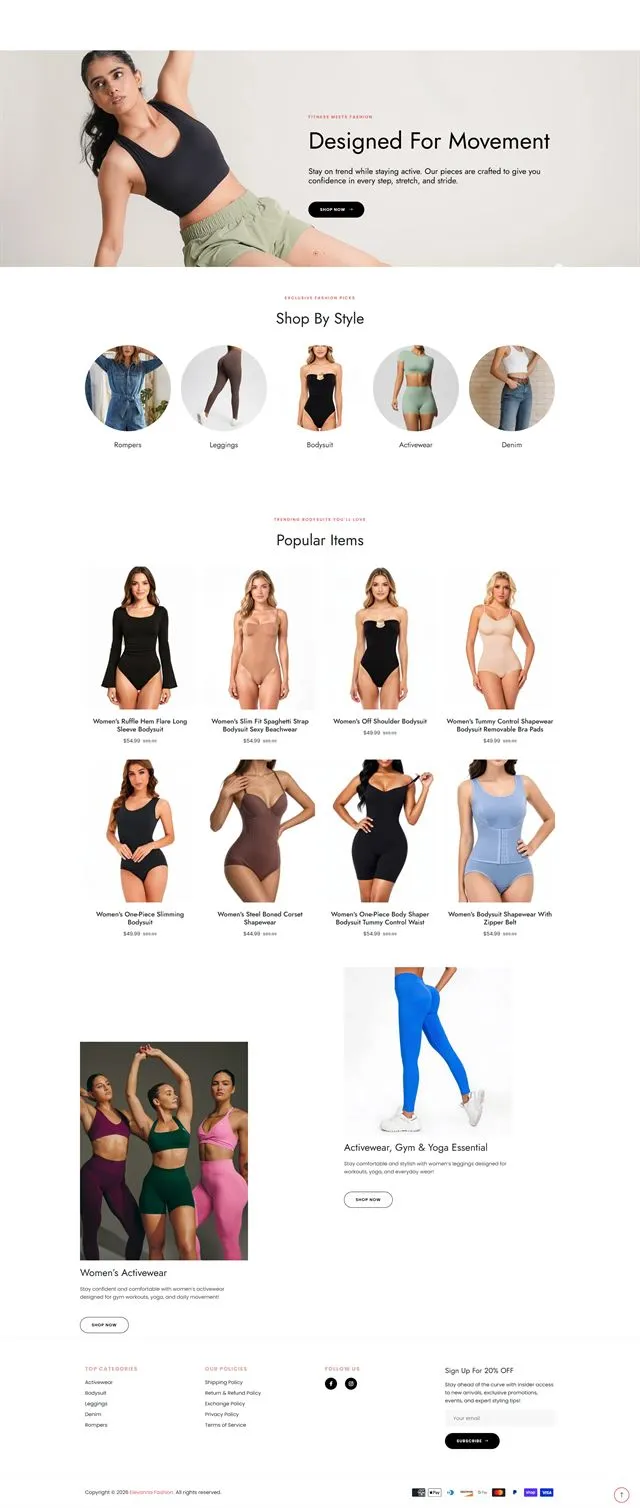
Stores and sites we have designed, built and connected, from the first sketch to a live checkout.
All work
Sample project
A new storefront, a product model built for seasonal drops, and stock and email that update on their own.
 Sample project
An editorial storefront with subscriptions, brew guides and product storytelling, designed and built as one.
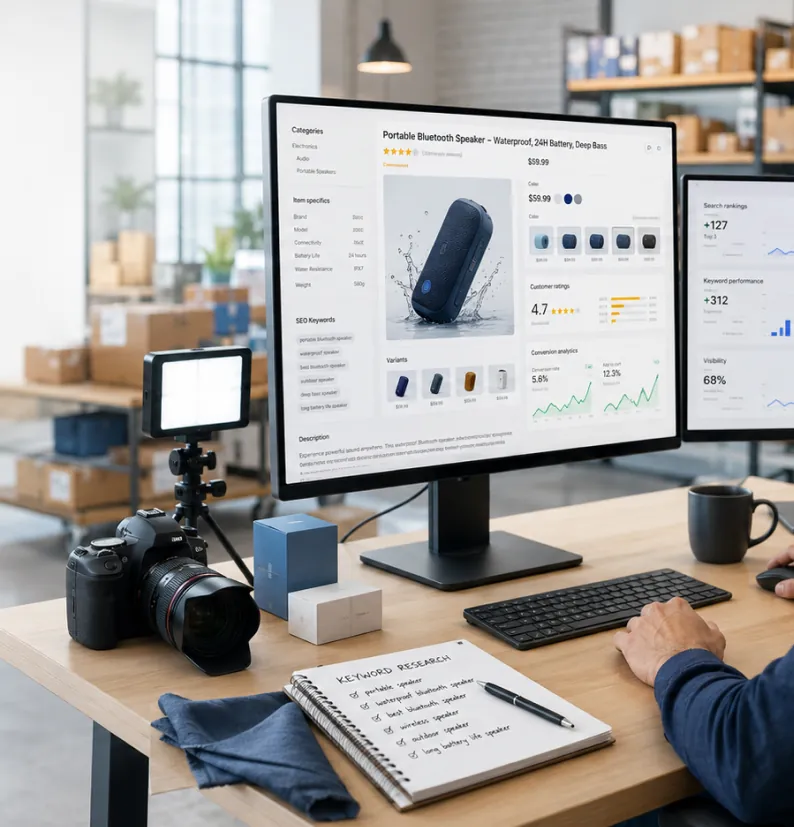 Sample project
Store, launch campaign and product video delivered together, so launch day ran on one plan.
Hover a screen to scroll the whole page.
(08)Start here
A new site, a store that has to scale, or a platform that needs to talk to everything else. Tell us where you are and we'll map the build.